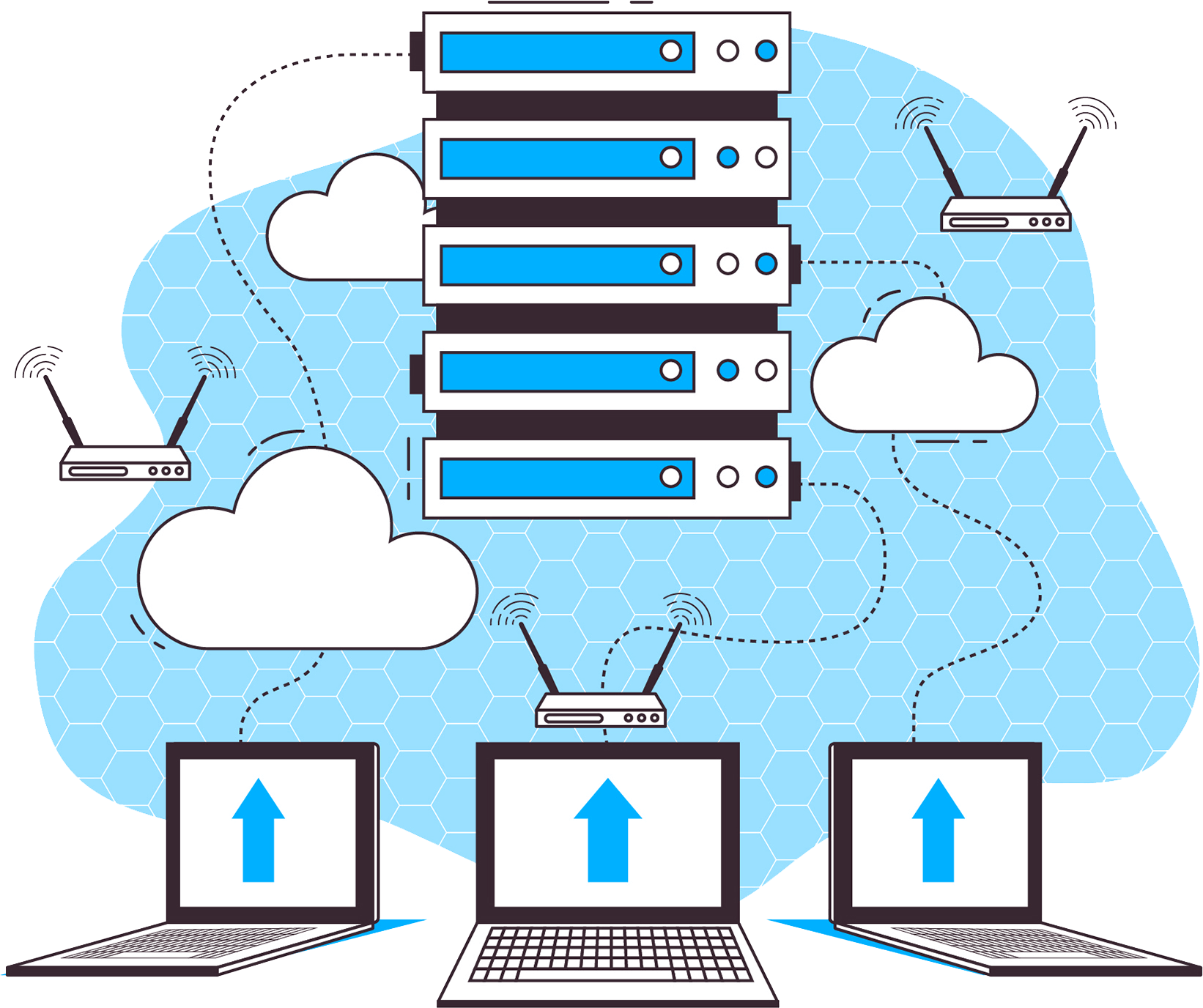





Switching hosting providers is usually scary for one reason: the move. What if the emails get lost? What if the site goes down? What if they charge a fortune to move everything? The good news: if your current provider uses cPanel — the most widely used control panel in hosting — none of that has to happen.
At Capa7 we do completely free cPanel to cPanel migrations. It's not a promotion with fine print: migrating between two cPanel servers is a process our team does routinely with the panel's own native tools, and we'd rather invest that effort in earning a customer than in charging them for the sign-up.
The 4 scenarios we migrate for free
It doesn't matter how big what you have today is — if it comes out of a cPanel, we move it at no cost. These are the four cases:
Your hosting
"One full cPanel account"
We migrate your hosting account with everything inside: your website files, emails, databases, subdomains and configuration. Ideal if your site is with another provider today and you want to bring it to a Capa7 hosting plan.
Your reseller — with all its accounts
"All your clients, at once"
If you resell hosting, we don't leave you with the heavy lifting: we migrate all your clients' cPanel accounts to your new Reseller plan, keeping each account separate, with its emails and data intact.
Your VPS or dedicated server
"Server to server, complete"
Do you have a VPS or a dedicated server with cPanel/WHM at another provider? We migrate the entire server, with all its accounts, to your new VPS with cPanel/WHM or Capa7 dedicated server. Also free.
Your full cPanel backup
"Already have the backup? We'll restore it"
If what you have is a full backup in cPanel format (the file generated by the panel's "Full Backup" option), just hand it to us and we'll restore it into your new account at no cost — even if you no longer have access to the previous provider.
The rule is simple
If your information comes out of a cPanel and lands on a Capa7 cPanel — whether it's a hosting account, a reseller, a VPS, a dedicated server or a full backup file — the migration is free. No strange conditions or surprise charges later.
What exactly gets transferred?
A cPanel to cPanel migration doesn't just copy "the website" — it moves the entire account, exactly as it is. This is what travels with you:
Your website files, with their structure intact
Your email accounts, with their full message history
MySQL databases and their users
Additional domains, subdomains and parked domains
FTP accounts, cron jobs and redirects
Your domains' DNS zone configuration
SSL certificates are the only special case: the ones issued by your previous provider can't always be "carried over," but that's fine — at Capa7 your account issues automatic free SSL certificates (AutoSSL) as soon as the domain points to our server, so your site keeps its padlock without you having to do anything.
The process, step by step
You don't need to know anything about servers to move — we take care of that. Here's how it works:
1. You write to us on WhatsApp. Tell us what you have today: a hosting account, a reseller, a VPS or a backup. With that, we confirm the Capa7 plan that fits you and coordinate the move.
2. You give us access — or the file. To migrate, we need access to your current cPanel (or WHM, if it's a reseller or server). If instead you have a full cPanel backup, you just hand us the file.
3. We migrate and verify — your site stays online. We copy everything to your new account while your current site keeps running where it is. When we're done, we check that the site loads, that the emails are there, and that the databases respond.
4. You point your DNS and you're done. Once everything is verified, you switch your domain's DNS to Capa7 (we guide you through that step). From then on, your visitors reach the new server without noticing there was a move.
What if my current provider doesn't use cPanel?
The free migration applies cPanel to cPanel, because that's the scenario where the process is straightforward and we can guarantee everything arrives complete. If your provider uses another panel (Plesk, DirectAdmin, hPanel or another), we can still help you: we evaluate your case and quote the migration based on its complexity — no strings attached.
Where do you want to move to?
The free migration applies to any of our cPanel-based services. These are the most common entry points:
Questions we get often
How long does the migration take?
It depends on the size: a typical hosting account is usually ready the same day. A reseller with many accounts or a full server takes longer — after seeing the size of what needs to be moved, we give you a real estimate before starting.
Will my site be down during the move?
No. The copy is made while your site keeps running on the current provider. The only transition moment is the DNS change, and we coordinate it with you to do it at the time that affects your visitors the least.
Do emails get lost along the way?
Mailboxes are migrated with their full history. For emails that arrive right during DNS propagation, we coordinate the change so the transition window is as short as possible.
What do I need to give you to get started?
Just one of two things: access to your current cPanel (or WHM if it's a reseller/server), or your full backup file in cPanel format. We take care of the rest.
Do you migrate from any provider?
Yes, as long as it uses cPanel — it doesn't matter what country it's in or how big it is. If it uses another panel, we can still help you, but that case is evaluated and quoted separately.

Capa7 Team
17 years managing hosting, VPS and dedicated servers on our own infrastructure in Boca Raton, Florida. We write the way we'd like things explained to us: clear and no fluff.
Ready to move without paying for the move?
Tell us what you have today and we'll tell you exactly how we bring it over — free if it's cPanel to cPanel.
Request My Free Migration