




There's a phrase we repeat a lot at Capa7: "better to have it and not need it, than to need it and not have it." We're talking about backups, of course. Nobody thinks about them until the day a site wakes up hacked, someone deletes the wrong folder, or a disk decides to die — and on that day, the only question that matters is: do I have a copy?
The good news is you don't need to be an expert to back up properly. There's a simple rule, used across the entire industry, that sums up decades of other people's disasters: the 3-2-1 rule.
The rule, in three numbers
3 copies
Of every important piece of data: the original you work with, plus two backups. A single backup copy isn't a plan — it's a gamble.
2 different media
Backups shouldn't live on the same disk or the same server as the original. If the disk fails, it takes everything it held with it — original and "copy" alike.
1 offsite
At least one copy must be on different infrastructure: another server, another provider, another location. It's the one that saves you when the problem is the whole site.
Why isn't one copy enough?
Because things don't fail in just one way. Each number in the rule protects you from a different type of disaster:
Hardware failure — the disk gets damaged and takes everything on it with it
Human error — you deleted, overwrote, or "cleaned up" the wrong thing
Hacking or malware — the site is compromised and you don't know since when
Ransomware — it encrypts everything it can reach, including connected backups
Provider issues — suspension, shutdown, or loss of access to the account
Notice the pattern: a copy on the same server saves you from human error, but not from a damaged disk. Two copies with the same provider save you from the disk, but not from losing access to the account. Only the offsite copy covers you in every scenario — that's why it's the "1" in the rule, and why almost nobody has it.
What it looks like in practice for a website
Let's translate the theory into a real website hosted with cPanel:
Copy 1 — the original: your website running on the hosting server. It's the one you work with every day.
Copy 2 — the provider's backup: the automatic backup your hosting generates (at Capa7, JetBackup does this daily on hosting plans). It saves you from errors and hacks: you restore to yesterday's version in a few clicks.
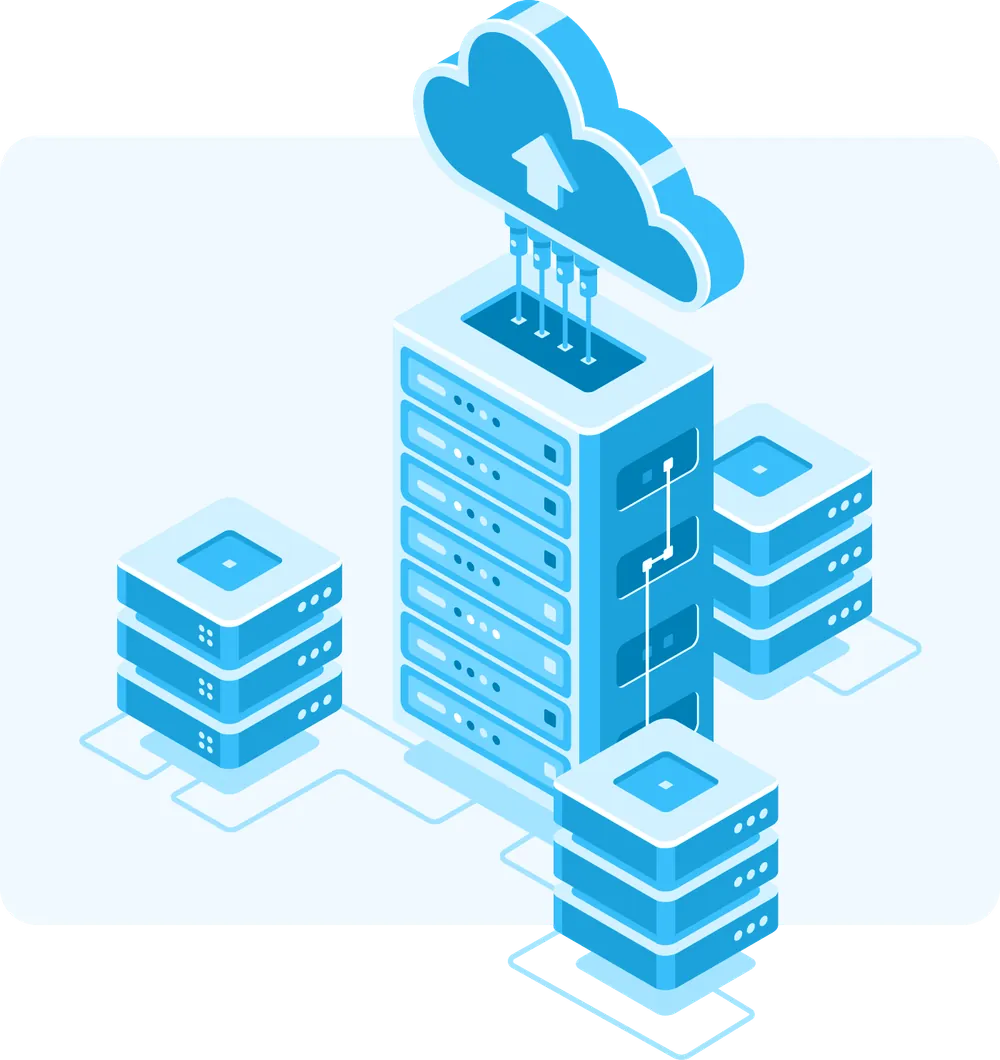
Copy 3 — the offsite copy: a copy that travels outside that infrastructure — to remote storage over SFTP, for example. It's the one that answers the uncomfortable question: "what if something happens to the whole provider?"
Most people have the first two and think they're covered. The difference between "I have backups" and "I meet the 3-2-1 rule" is exactly that third copy.
How to meet the rule with Capa7 (honestly)
We'll tell you exactly what each of our services includes, so you can build your setup with no surprises:
Shared, advanced, and reseller hosting: daily backup with JetBackup included
High-Performance Cloud VPS: 1 to 2 backups + snapshot included depending on the plan
Basic VPS and Storage: backup NOT included — quoted as an additional service
Storage: works as your offsite copy — SFTP destination for JetBackup from any cPanel/WHM, even from other providers
That last point is the piece that completes the rule: a Capa7 Storage runs on TrueNAS (OpenZFS, with block-level integrity checking) and connects as a remote destination for JetBackup. Your server — ours or another provider's — sends it backups over SFTP automatically, and your "1 offsite" is resolved without any manual work.
The detail almost everyone forgets: a backup you've never tried to restore isn't a backup — it's a hope. At least once, download a copy and verify it opens, or ask us for a test restore. That 15-minute rehearsal is the difference between a scare and a tragedy.
The rule, summarized
3 copies of your data, on 2 different media, with 1 outside your main infrastructure. Your website + your hosting's daily backup + an automatic offsite copy. If today you only have the first two, the third is the next task on your list.
Build your 3-2-1 setup with this
Questions we get often
Isn't my hosting's automatic backup enough?
It's great to have it — it solves 90% of everyday scares. But it lives on the same infrastructure as your website, so it doesn't count as your "offsite" copy. To fully meet the rule, you're still missing the offsite copy.
Is a snapshot the same as a backup?
No. A snapshot is a "photo" of the server that lives right alongside the server itself: perfect for reverting a change that went wrong, useless if the problem is the entire server. Use it as a complement, never as your only safety net.
How often should my website be backed up?
The right question is: how much work are you willing to lose? If your website changes daily (orders, articles, forms), backups should be daily. If it's an institutional website that barely changes, weekly is enough.
What counts as a "different medium" nowadays?
Another server, another provider, or another storage service. Another folder on the same disk doesn't count — if the disk dies, both copies die with it.
My hosting is with another provider — can I still use their Storage?
Yes — Storage accepts SFTP connections from any cPanel/WHM server, ours or not. It's a way to start working with us without moving your website yet.

Capa7 Team
17 years managing hosting, VPS, and dedicated servers on our own infrastructure in Boca Raton, Florida. We write the way we'd like things explained to us: clear and without the smoke and mirrors.
Want us to review your backup setup?
Tell us what you have today and we'll tell you what's missing to meet the 3-2-1 rule — no obligation.
Message us on WhatsApp