






| Feature | LXC 1 | LXC 2 | LXC 3 | LXC 4 | LXC 5 | LXC 6 |
|---|---|---|---|---|---|---|
| FeaturevCPU | LXC 11 | LXC 21 | LXC 32 | LXC 42 | LXC 53 | LXC 64 |
| FeatureRAM Memory | LXC 11 GB | LXC 22 GB | LXC 33 GB | LXC 44 GB | LXC 56 GB | LXC 68 GB |
| FeatureSSD Storage | LXC 110 GB | LXC 220 GB | LXC 330 GB | LXC 450 GB | LXC 575 GB | LXC 6100 GB |
| FeatureMonthly traffic included | LXC 11 TB | LXC 22 TB | LXC 33 TB | LXC 44 TB | LXC 55 TB | LXC 66 TB |
| FeatureNetwork port | LXC 1250 Mbps | LXC 2250 Mbps | LXC 3250 Mbps | LXC 4500 Mbps | LXC 5500 Mbps | LXC 6500 Mbps |
| FeatureDedicated IPv4 address | LXC 11 | LXC 21 | LXC 31 | LXC 41 | LXC 51 | LXC 61 |
LXC Containers: lightweight and fast
An isolated Linux space with root access, without the weight of a full operating system — boots in seconds and almost all the RAM goes straight to your application.
See LXC PlansAll your RAM for your application
A container doesn't spend memory loading a full operating system like a virtual machine does — that's why it can cost less than a VPS with the same specs.
See LXC PlansOver 130 templates ready to use
Choose a clean Linux (Ubuntu, Debian, AlmaLinux, Rocky and more) or an already-configured TurnKey application: WordPress, Nextcloud, GitLab, Odoo, MySQL... delivered already installed.
See Full CatalogNeed more? Move up to a KVM VPS
If your project needs Windows, friction-free Docker or its own kernel, scale up to any of our VPS lines with KVM virtualization — without switching providers.
See Cloud VPSContainer Plans
6 lightweight plans, at Capa7's lowest price
Isolated Linux spaces on our Proxmox VE nodes, with root access via SSH and boot in seconds. Not sure whether a container or a VPS fits you better? We explain it simply on the blog.
LXC Container 1
For a small service or trying the technology.
$4.99/mo
$3.49/mo
Billed month to month
Billed $41.88 once a year — save 30%
Resources
- 1 vCPU
- 1 GB RAM
- 10 GB SSD
- 1 TB of traffic at 250 Mbps
Also Includes
- LXC Container on Proxmox VE
- Full root access via SSH
- Manual activation by our team
LXC Container 2
For a bot, a small API or a small site.
$6.99/mo
$4.50/mo
Billed month to month
Billed $54.00 once a year — save 35%
Resources
- 1 vCPU
- 2 GB RAM
- 20 GB SSD
- 2 TB of traffic at 250 Mbps
Also Includes
- LXC Container on Proxmox VE
- Full root access via SSH
- Manual activation by our team
LXC Container 3
For several lightweight services living together.
$8.99/mo
$5.99/mo
Billed month to month
Billed $71.88 once a year — save 33%
Resources
- 2 vCPU
- 3 GB RAM
- 30 GB SSD
- 3 TB of traffic at 250 Mbps
Also Includes
- LXC Container on Proxmox VE
- Full root access via SSH
- Manual activation by our team
Best Seller
LXC Container 4
For applications with real users every day.
$11.99/mo
$7.99/mo
Billed month to month
Billed $95.88 once a year — save 33%
Resources
- 2 vCPU
- 4 GB RAM
- 50 GB SSD
- 4 TB of traffic at 500 Mbps
Also Includes
- LXC Container on Proxmox VE
- Full root access via SSH
- Manual activation by our team
LXC Container 5
For teams with several projects running at once.
$14.99/mo
$10.49/mo
Billed month to month
Billed $125.88 once a year — save 30%
Resources
- 3 vCPU
- 6 GB RAM
- 75 GB SSD
- 5 TB of traffic at 500 Mbps
Also Includes
- LXC Container on Proxmox VE
- Full root access via SSH
- Manual activation by our team
LXC Container 6
The largest container in the lineup.
$18.99/mo
$12.99/mo
Billed month to month
Billed $155.88 once a year — save 31%
Resources
- 4 vCPU
- 8 GB RAM
- 100 GB SSD
- 6 TB of traffic at 500 Mbps
Also Includes
- LXC Container on Proxmox VE
- Full root access via SSH
- Manual activation by our team
Does your workload need Windows, friction-free Docker or its own kernel? Check out our High-Performance Cloud VPS or the Basic VPS.
Which One to Choose?
LXC Container vs. KVM VPS
Both give you your own Linux space with root access — the difference is in how that space is built. Want the full explanation without the jargon? Read our KVM vs. LXC guide on the blog.
| Feature | LXC Containers | KVM VPS (Basic and High-Performance) |
|---|---|---|
| FeatureWhat is it? | LXC ContainersIsolated Linux space that shares the node's kernel | KVM VPSFull virtual machine with its own kernel |
| FeatureIdeal for | LXC ContainersLightweight services, bots, small APIs, development, learning | KVM VPSDemanding production, Docker, Windows, deep configurations |
| FeatureOperating systems | LXC ContainersLinux only (templates) | KVM VPSLinux — and Windows on the VPS Windows line |
| FeatureBoot time | LXC ContainersSeconds | KVM VPSLike a regular server: minutes |
| FeatureSystem RAM usage | LXC ContainersMinimal — almost everything goes to your application | KVM VPSHigher — each VM loads its own operating system |
| FeatureDocker / own kernel | LXC Containers | |
| FeatureBackup + snapshot included | LXC Containers | KVM VPSIncluded on High-Performance; extra on Basic |
| FeaturePrice from (with annual plan) | LXC Containers$3.49/mo | KVM VPS$5.00/mo (Basic) · $9.00/mo (High-Performance) |
0
Years in BusinessSince July 2009 — no significant downtime to date.
Seconds
Container Boot TimeNo loading of a full operating system, unlike a VM.
99.9%
Uptime GuaranteedMonitored 24/7 on our own infrastructure.
0
Days Money-Back GuaranteeIf our service fails, we refund your payment.
Technical Comparison
The real specifications of each container
From 1GB to 8GB of RAM — the container technology and the support are exactly the same across all 6 plans.
Resources by Plan
Containers and Access
| Feature | LXC 1 | LXC 2 | LXC 3 | LXC 4 | LXC 5 | LXC 6 |
|---|---|---|---|---|---|---|
| FeatureLXC Container on Proxmox VE | LXC 1 | LXC 2 | LXC 3 | LXC 4 | LXC 5 | LXC 6 |
| FeatureFull root access via SSH | LXC 1 | LXC 2 | LXC 3 | LXC 4 | LXC 5 | LXC 6 |
| FeatureCatalog of 130+ templates (Linux systems and TurnKey apps) | LXC 1 | LXC 2 | LXC 3 | LXC 4 | LXC 5 | LXC 6 |
| FeatureBoots in seconds | LXC 1 | LXC 2 | LXC 3 | LXC 4 | LXC 5 | LXC 6 |
| FeatureWindows / own kernel | LXC 1 | LXC 2 | LXC 3 | LXC 4 | LXC 5 | LXC 6 |
Need Windows or your own kernel? Those workloads belong on a KVM virtual machine — check out VPS Windows or High-Performance Cloud VPS.
Management and Support
| Feature | LXC 1 | LXC 2 | LXC 3 | LXC 4 | LXC 5 | LXC 6 |
|---|---|---|---|---|---|---|
| FeatureService activation | LXC 1Manual | LXC 2Manual | LXC 3Manual | LXC 4Manual | LXC 5Manual | LXC 6Manual |
| FeatureReboot and reinstall assisted by support | LXC 1 | LXC 2 | LXC 3 | LXC 4 | LXC 5 | LXC 6 |
| FeatureBackup + snapshot included | LXC 1 | LXC 2 | LXC 3 | LXC 4 | LXC 5 | LXC 6 |
| FeatureSupport in Spanish via WhatsApp | LXC 1 | LXC 2 | LXC 3 | LXC 4 | LXC 5 | LXC 6 |
Technology
The technology behind your container
LXC Containers on the same Proxmox VE nodes we manage for the rest of our services — not a separate experiment.

LXC: all the power goes to your application
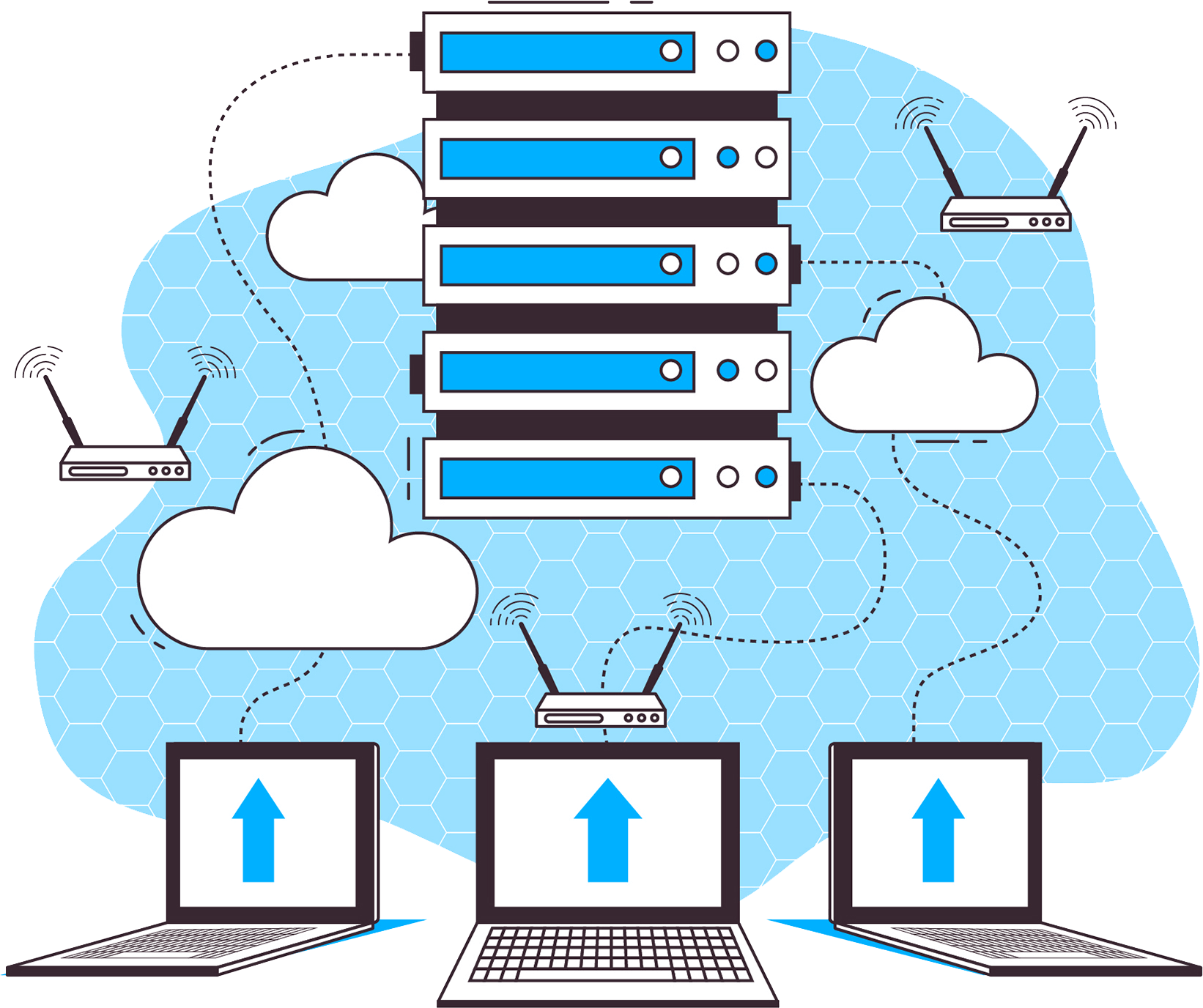
An LXC container shares the node's kernel instead of loading a full operating system. The result: it boots in seconds, uses almost no system RAM, and that's why it can cost less than a VPS with the same specs.
Boots in seconds, not minutes
Minimal system resource usage
Isolated from other containers on the node
Proxmox VE: the platform where your container lives
Your containers run on our own Proxmox VE nodes — the same open-source virtualization platform we offer as a product in VPS Proxmox, managed by the same technical team.
Our own nodes at our datacenter in Boca Raton, Florida
On-demand backup with vzdump, as an additional service
The same team that manages the hardware gives you support

Linux only — and it's on purpose
A container shares the node's Linux kernel, so it runs Linux and nothing else. You pick your template when you sign up — a clean system or an application from our catalog of over 130 templates — and you receive your space ready with root access via SSH.
12 Linux distributions: Ubuntu, Debian, AlmaLinux, Rocky, Fedora, Alpine and more
Need Windows or your own kernel? That's a KVM VPS — we tell you honestly
Template changes assisted by support whenever you need them

Delivered by a technician, not a script
Just like our VPS Proxmox, every container is configured by hand by someone on our team: template, network, access and verification before we hand over your credentials.
Manual activation during business hours — we coordinate over WhatsApp if you're in a hurry
You receive a verified IP, root user and SSH access
Reboots and reinstalls are requested from the same team that configured it
Template Catalog
Over 130 templates ready to install on your container
This is the real catalog from our Proxmox nodes: clean Linux operating systems and TurnKey applications that arrive preconfigured — tell us which one you want when you sign up and we deliver your container with it already installed.
Operating Systems
Ub
Ubuntu
22.04 · 24.04 · 25.04 · 26.04
De
Debian
12 Bookworm · 13 Trixie
Al
AlmaLinux
9 · 10
Ro
Rocky Linux
9 · 10
Ce
CentOS Stream
9 · 10
Fe
Fedora
43 · 44
Ap
Alpine
3.22 · 3.23 · 3.24
oS
openSUSE
15.6 · 16.0
Ar
Arch Linux
Base (rolling release)
Ge
Gentoo
Current (OpenRC)
oE
openEuler
25.03
Dv
Devuan
5
Prefer the application already installed and configured? These are the available TurnKey templates — you pick one and your container arrives with it running:
CMS and Blogs
WordPress
Joomla 3
Joomla 4
Drupal 7
Drupal 8
Drupal 9
Drupal 10
Ghost
b2evolution
Typo3
Concrete CMS
Concrete5
SilverStripe
ProcessWire
Plone
e107
Xoops
eZ Platform
Ibexa DXP
Omeka
Online Stores
Magento
PrestaShop
OpenCart
ZenCart
OSCommerce
Bagisto
Development, Frameworks and DevOps
LAMP Stack
LAPP Stack
Nginx PHP FastCGI
Lighttpd PHP FastCGI
Tomcat
Tomcat on Apache
Node.js
Django
Laravel
Symfony
CakePHP
CodeIgniter
Yii Framework
Ruby on Rails
Web2Py
ASP.NET Core
GitLab
Gitea
Revision Control
Jenkins
Ansible
TKLDev
TurnKey Core
Bugzilla
Mantis
Roundup
Trac
Databases
MySQL
PostgreSQL
MongoDB
CouchDB
Redis
Collaboration, Cloud and Education
Nextcloud
ownCloud
Syncthing
File Server
Torrent Server
Etherpad
Mattermost
Mumble
DokuWiki
MediaWiki
Foswiki
MoinMoin
BookStack
Moodle
Canvas LMS
Mahara
Redmine
iceScrum
Leantime
Collabtive
Tracks
Foodsoft
Business, CRM and Support
Odoo
EspoCRM
SuiteCRM
Invoice Ninja
OrangeHRM
Snipe-IT
ProcessMaker
Mibew
OTRS
Faveo Helpdesk
LimeSurvey
PHPlist
Mayan EDMS
Matomo
Community and Multimedia
phpBB
SimpleMachines
Vanilla
Elgg
GNU social
Ushahidi
Sahana Eden
Gallery
AVideo
MediaServer
Gameserver
Zoneminder
Networking, Security and Email
OpenVPN
WireGuard
OpenLDAP
Domain Controller
Observium
Proxmox Mail Gateway 8.2 / 9.1
Real catalog from our Proxmox VE nodes — the available versions are updated as Proxmox and TurnKey Linux release new ones. Don't see what you're looking for? Ask us on WhatsApp and we'll check it with you.
Who Is This For?
Built for lightweight services that don't need a full VM
Individual Services
A database, your own DNS, a Redis cache or a proxy — each service in its own isolated space.
Bots and Automation
Telegram or Discord bots, scrapers and scheduled scripts that run 24/7 without needing much machine.
Development and Testing
Spin up a clean environment in seconds, test it, and discard it — without paying for a full VM for every trial.
Microservices
Split the pieces of your application into small containers instead of piling them onto a single server.
Small Sites
A static website, a landing page or an internal app with moderate traffic runs perfectly in a container.
Learning
The cheapest way to have a real Linux with root access to practice server administration.
Testimonials
Customers running their services on LXC Containers
Real customer testimonials coming soon. This is how we support the businesses that already trust us.
My bot runs for less than $4 a month
I needed a Linux with root access for a Telegram bot, not a full server. The container was exactly that.
Capa7 Customer — LXC Container 1
It boots before I even open the terminal
I used to wait minutes for a VPS to reboot. The container restarts in seconds, and you notice the difference.
Capa7 Customer — LXC Container 3
One container per service, everything organized
I split the database, the cache and the API into three containers. Cheaper than three VPS and much more organized.
Capa7 Customer — LXC Container 4
Assisted Migration
Already have your service running somewhere else?
We do the work. We quote you based on complexity and you just confirm everything is working before shutting down your current server.
-
You share your access with us
Root access to your current VPS or container. Send it to us via WhatsApp or a support ticket.
-
We migrate everything
Files, databases and configuration — completely, without touching your current server in the meantime.
-
You verify first
You check that everything works on the new container before we shut down the old one.
-
You switch over when you say so
Zero downtime that you haven't approved first.
Have a
Question?
What exactly is an LXC container?
An isolated Linux space that shares the host server's kernel instead of loading a full operating system, like a virtual machine does. That's why it boots in seconds and uses very few resources. Want the full explanation with analogies? Read our KVM vs. LXC guide.
How is it different from a VPS?
A VPS is a full virtual machine with its own kernel; a container shares the node's kernel. In practice: the container is lighter and cheaper, but it only runs Linux and doesn't support workloads that need their own kernel. To separate your own services, it's more than enough; for demanding production, a KVM VPS is the solid option.
Can I run Windows or Docker here?
Windows, no — the container shares a Linux kernel, so it only runs Linux (for Windows, check out our VPS Windows). And although running Docker inside LXC is technically possible, it comes with friction: if your goal is to run Docker, we honestly recommend a KVM VPS, where it works without surprises.
Why isn't activation instant?
Because every container is configured by hand by a technician on our team: template, network and access verified before we hand over your credentials. Activation happens during business hours — if you're in a hurry, message us on WhatsApp and we'll coordinate.
Does it include backups or snapshots?
They're not included in the price — they're quoted as an additional service (we use vzdump, Proxmox's native tool). If your data is critical, you can also pair your container with a Storage plan as an external backup destination.
Can I move up to a VPS later?
Yes. You can upgrade among the 6 container plans, or jump to any of our KVM VPS lines whenever your project needs it — we help you move your data without switching providers. And you get a 30-day money-back guarantee on your plan.

30-day money-back guarantee
If our service fails, we refund your payment. No risk.
Get Started Now*Applies up to 30 days from sign-up. Does not apply to domains, SSL certificates, licenses or dedicated servers.